Too many separate AI tools
One connected AI creative studio
Turn your ideas into visuals with one AI creative studio. Create AI images, AI videos, product visuals, social media content, avatars, headshots, and brand assets using guided tools, prompt workflows, and flexible credits.
ZenCreator AI is built for creators, marketers, ecommerce sellers, small businesses, agencies, educators, designers, and AI tool users who want faster visual content creation without switching between separate tools.
Product launch video, clean studio light, social-ready aspect ratio

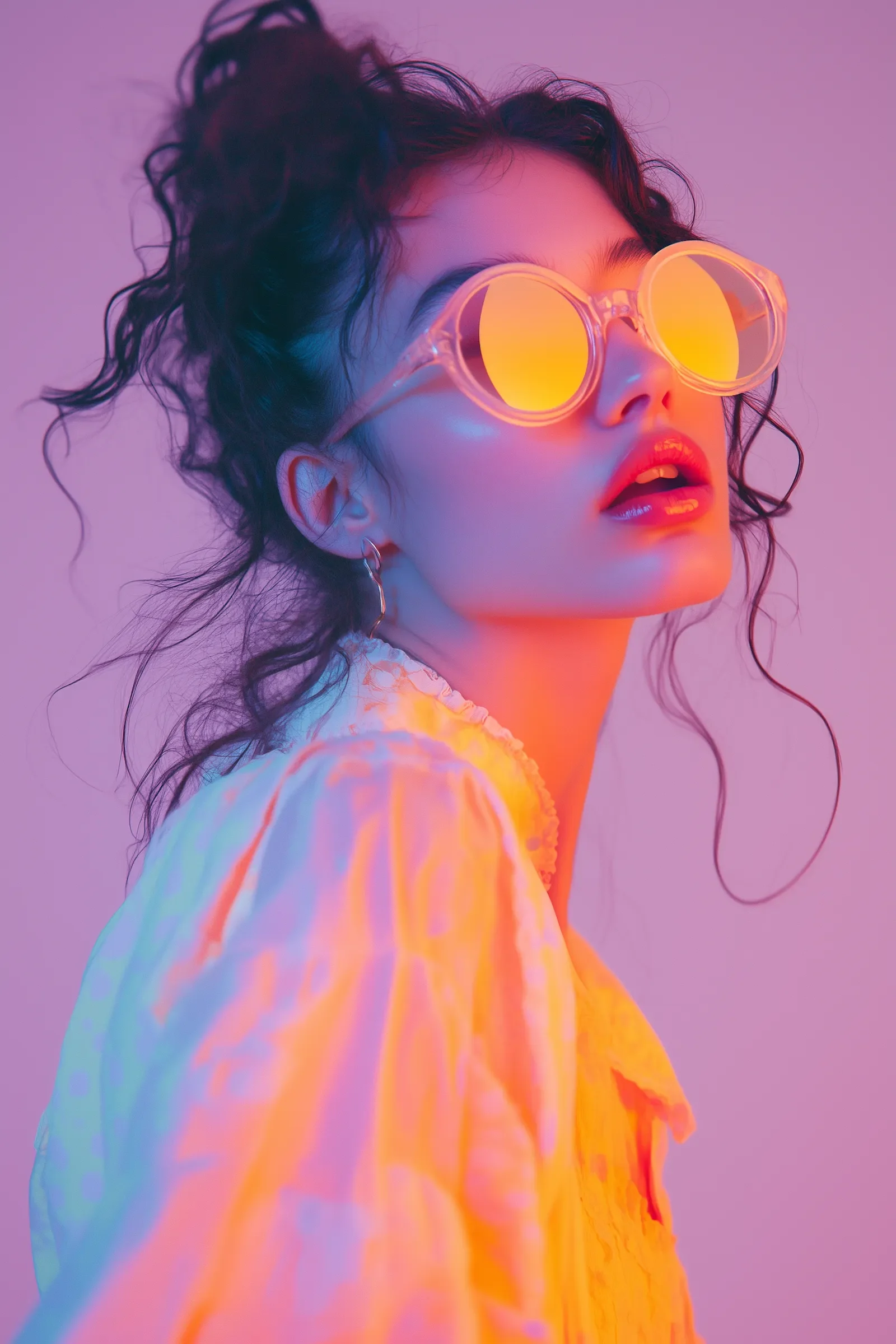


Modern content creation often needs more than one tool. You may need an AI image generator, AI video generator, image editor, upscaler, prompt helper, template library, and learning resource. ZenCreator AI brings these creative steps into one simple workflow.
One connected AI creative studio
Guided templates and prompt examples
Built-in refinement, enhancement, and upscaling tools
Fast AI video and image-to-video workflows
Product, brand, and social media templates
AI University and practical guides
Start with a tool, template, or creative goal. ZenCreator AI helps you generate, edit, improve, and publish visual content for real projects.
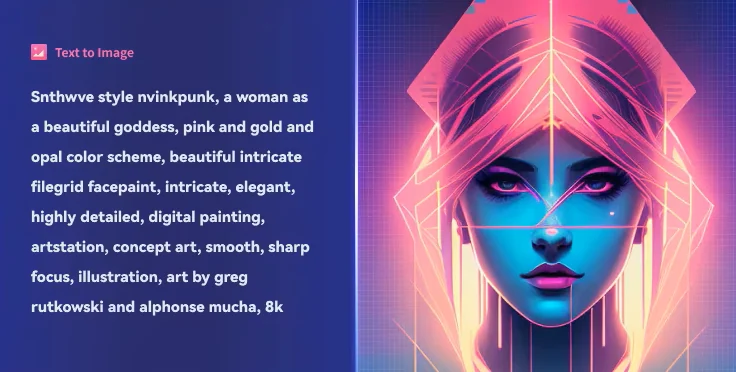
Create images from prompts, ideas, styles, references, and visual directions for social content, product visuals, thumbnails, brand graphics, and campaign ideas.
Generate Images
Turn prompts, ideas, and visuals into short AI videos for social media, ads, product promotions, and creative projects.
Generate Videos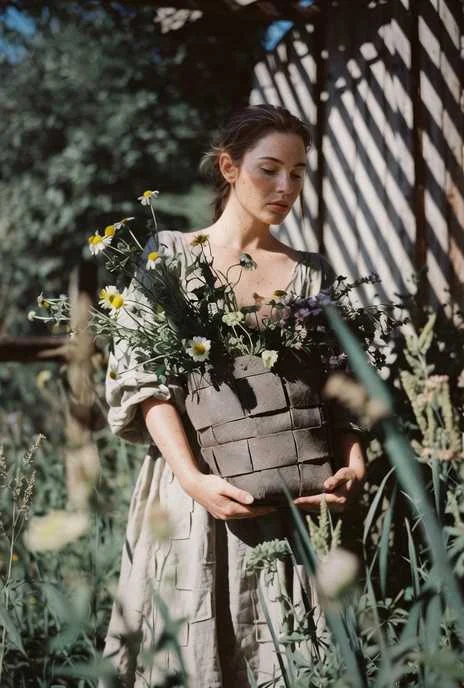
Animate photos, product images, portraits, or creative visuals into short motion clips for Reels, Shorts, ads, and social posts.
Animate an Image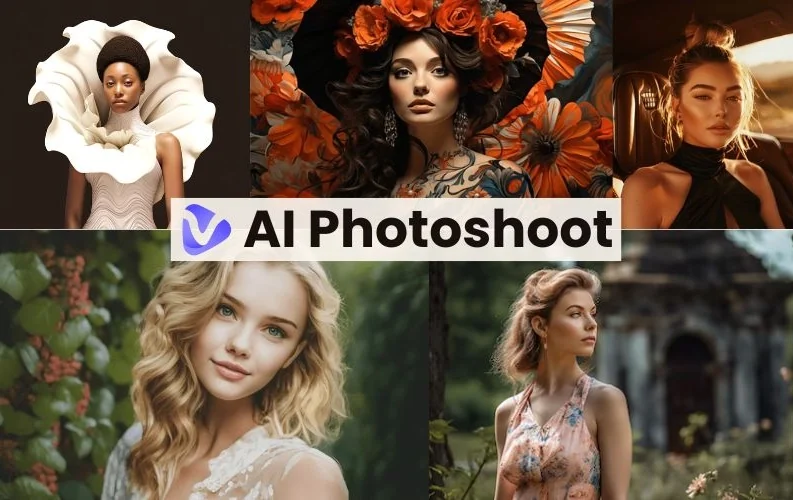
Create product visuals, lifestyle scenes, ad creatives, and ecommerce-ready images without planning a full photoshoot.
Create Product Images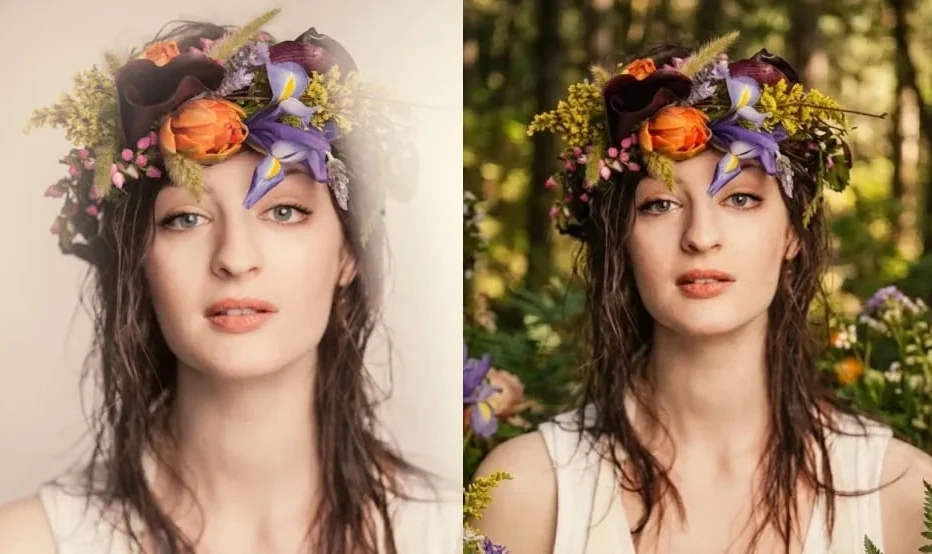
Build creator avatars, profile visuals, branded characters, and digital personas for social media, campaigns, and creative projects.
Create Avatar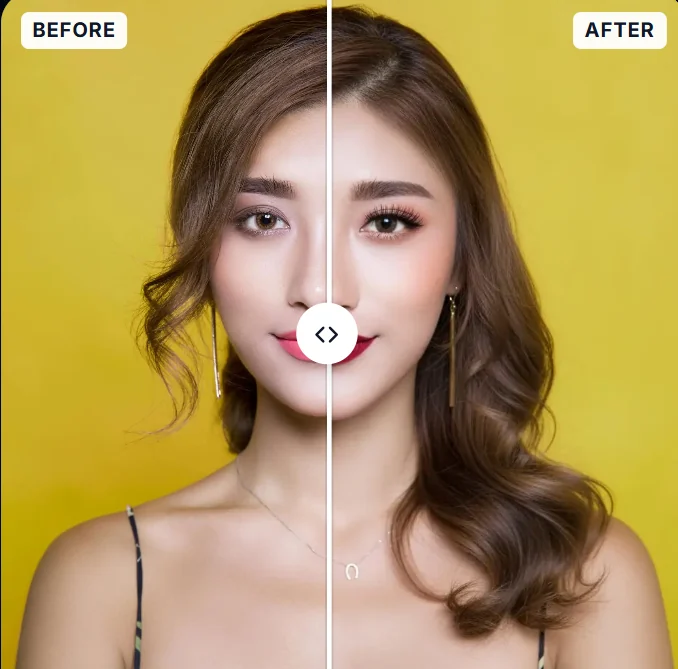
Generate polished profile-style visuals for professional profiles, creator pages, portfolios, and brand identity use cases.
Create Headshots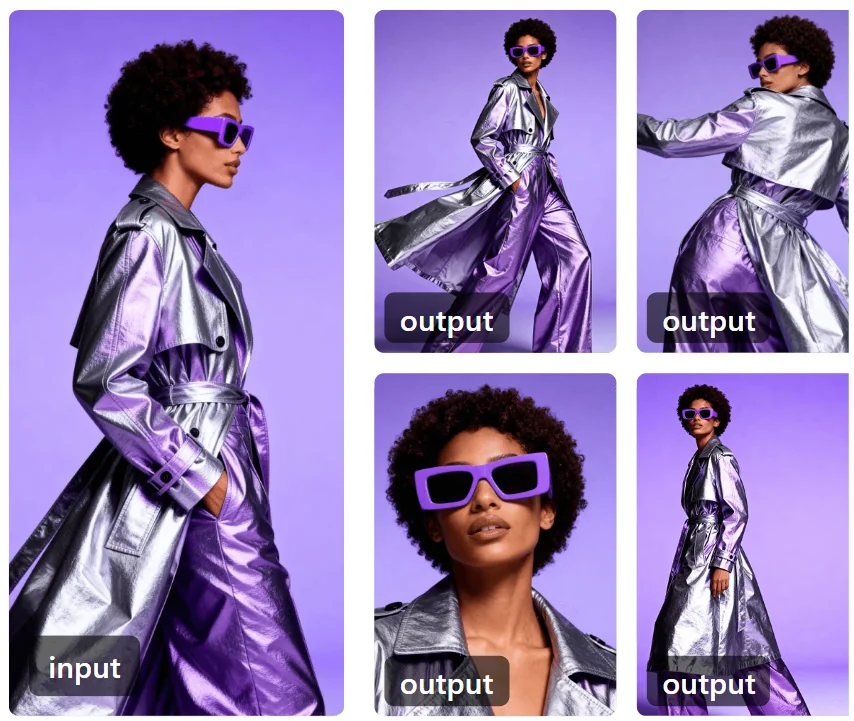
Create post visuals, short-form content ideas, campaign graphics, thumbnails, and creative assets for Instagram, TikTok, YouTube, LinkedIn, and other platforms.
Create Social Content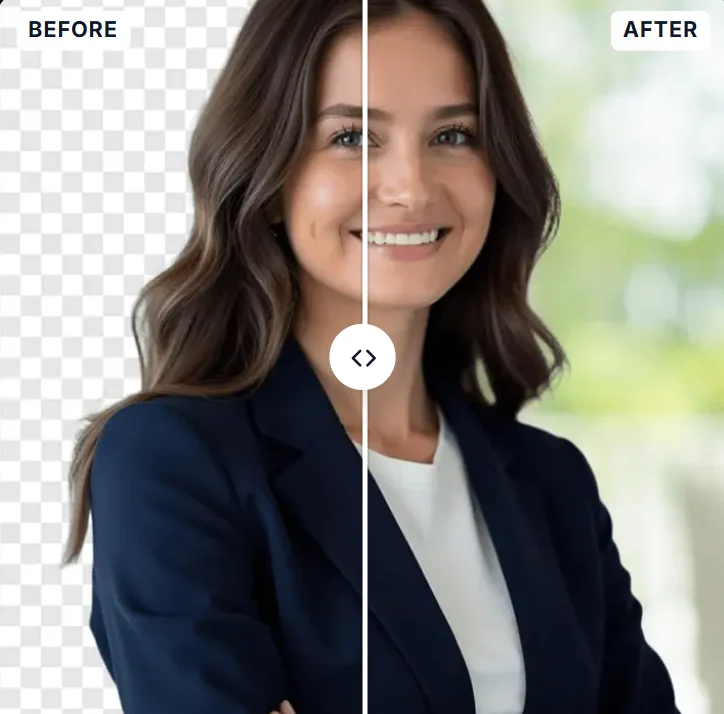
Improve image clarity, size, and visual quality for sharper publishing-ready outputs.
Upscale Image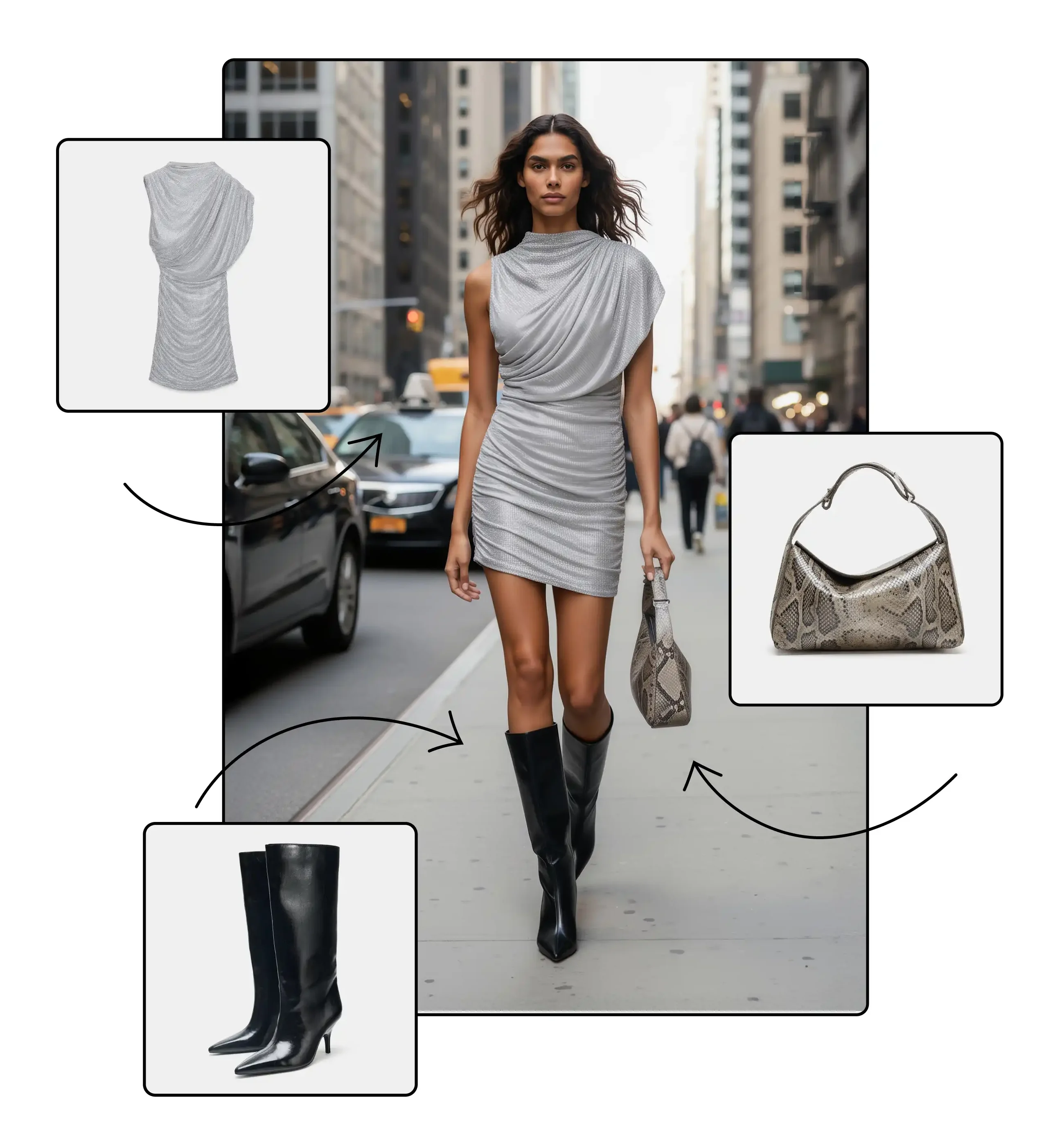
Refine images with AI-assisted editing workflows. Improve backgrounds, adjust details, create variations, and prepare visuals for publishing.
Edit a Photo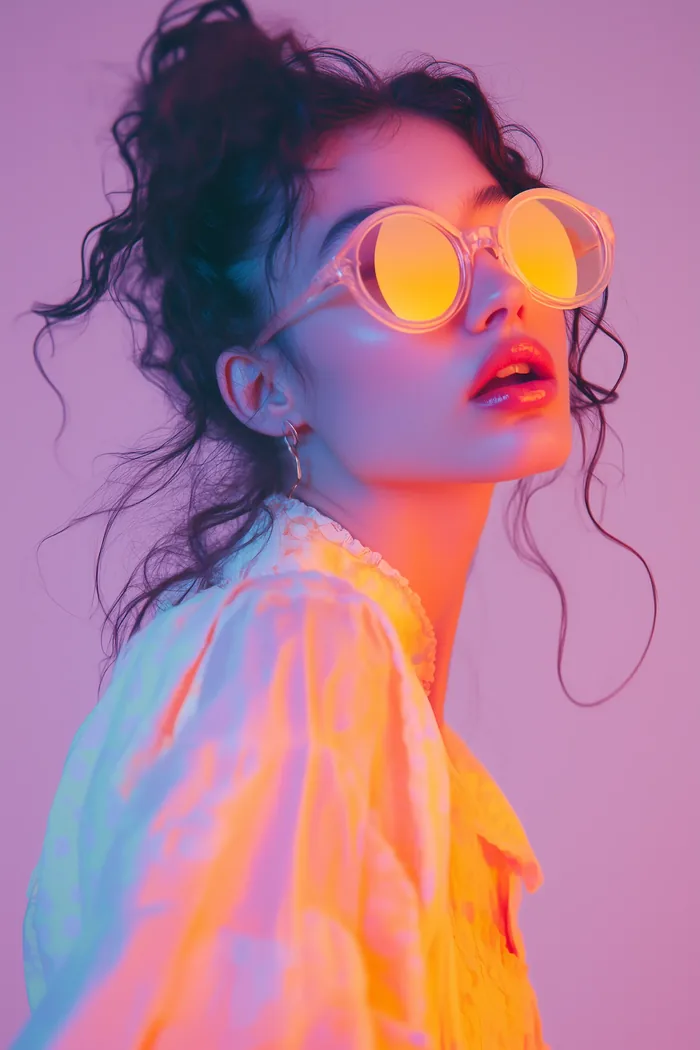

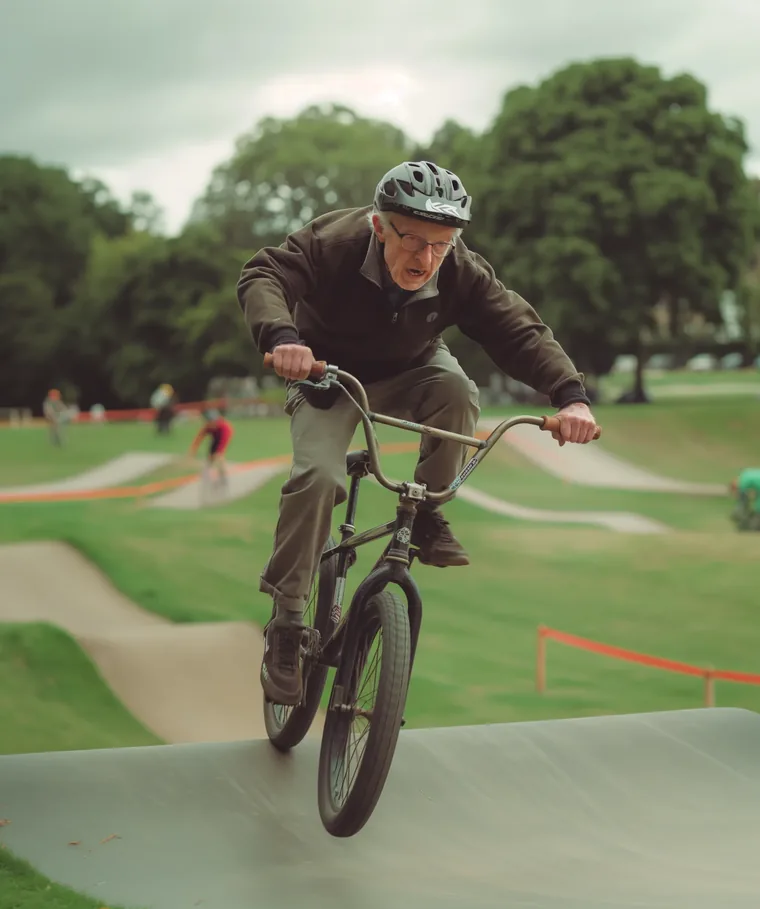
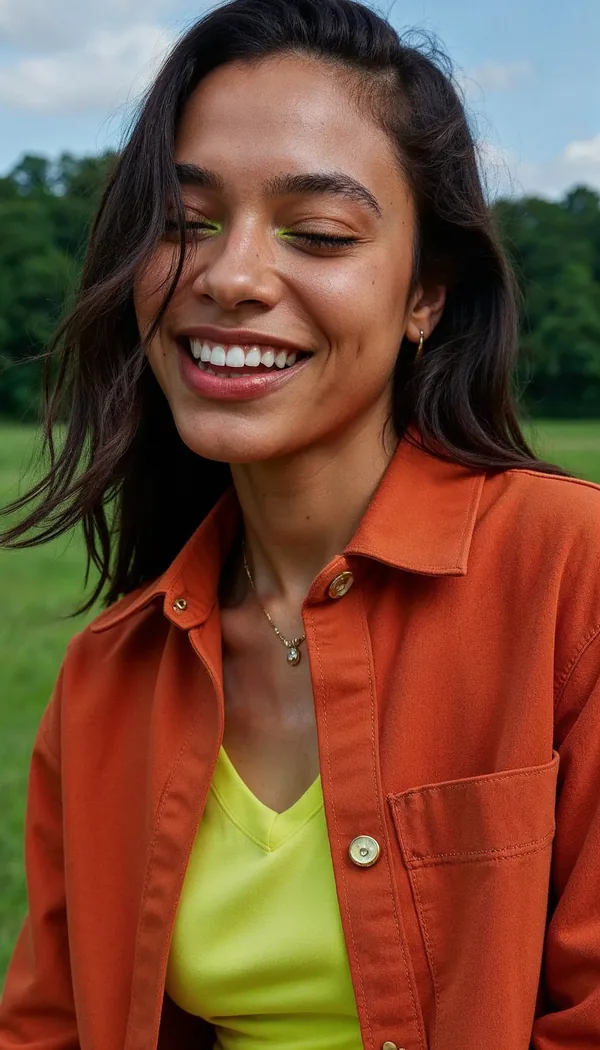
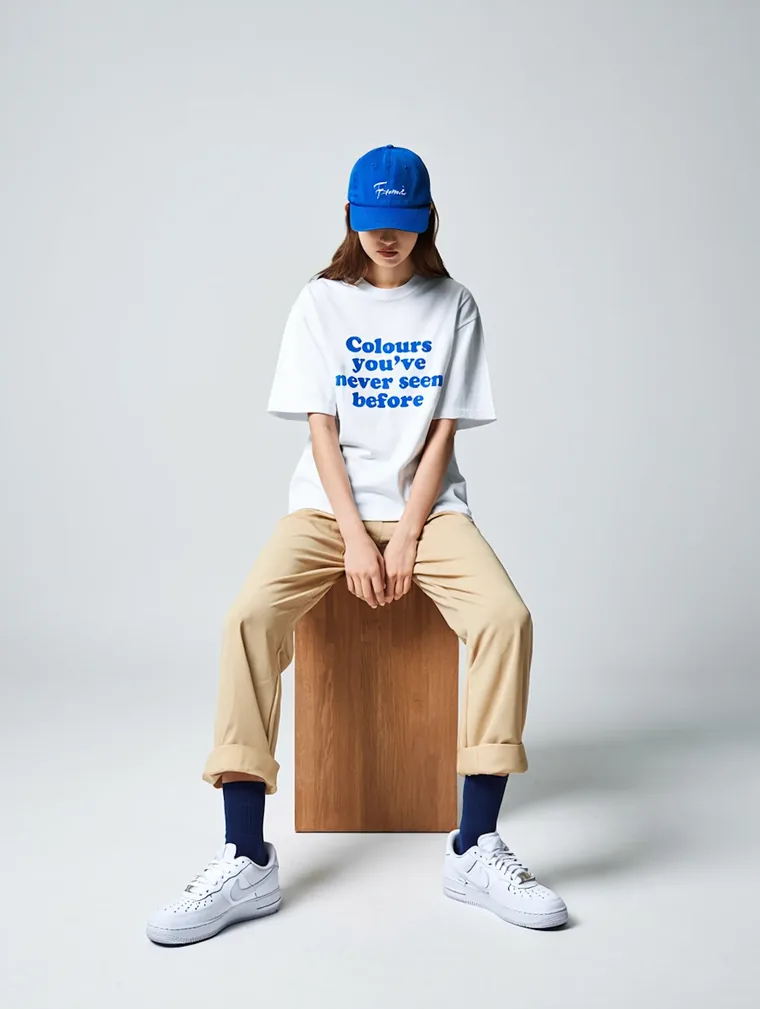
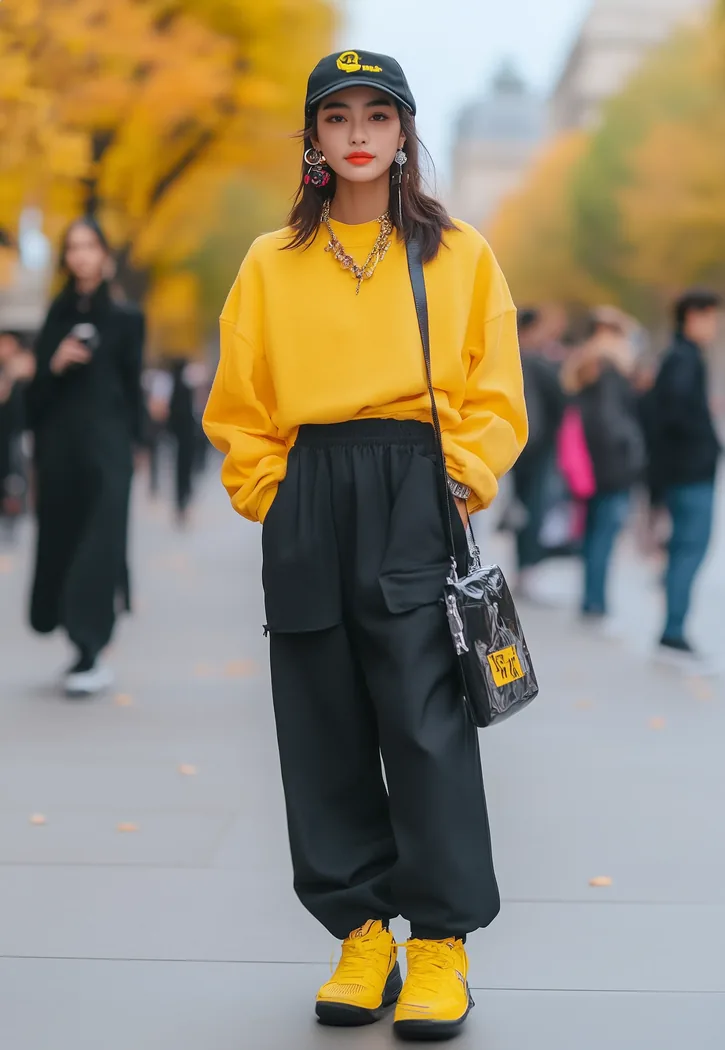

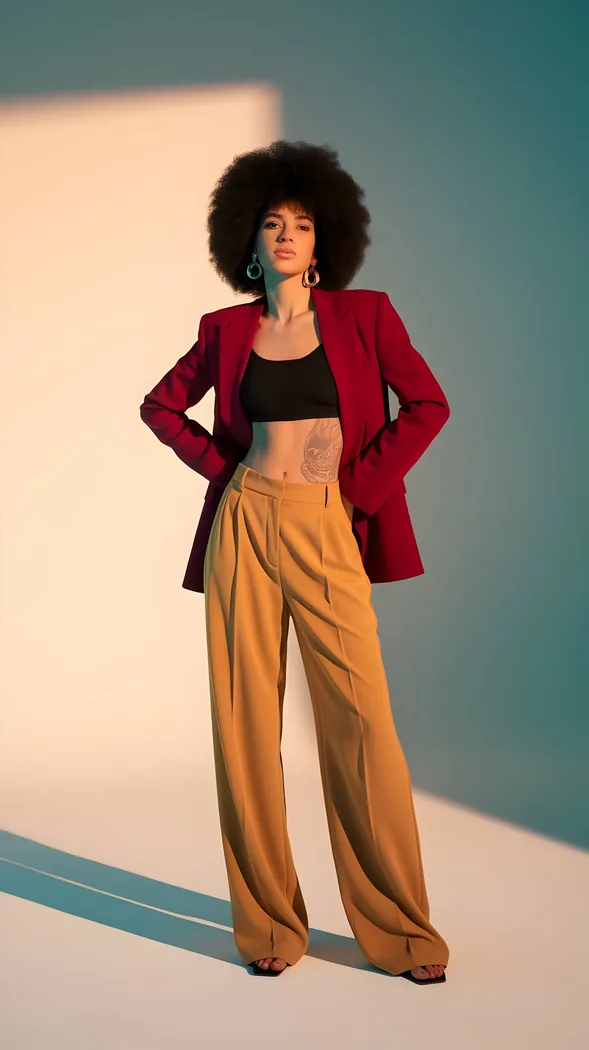
ZenCreator AI is designed to support the full creative process, not only one generation step.
Choose what you want to create: an image, video, avatar, product visual, headshot, social post, or brand asset.
Start with a prompt, uploaded image, product photo, reference visual, template, or creative direction.
Create variations, improve details, upscale images, edit backgrounds, animate visuals, or create short videos.
Download content for websites, social media, ecommerce pages, ads, presentations, courses, or creative projects.
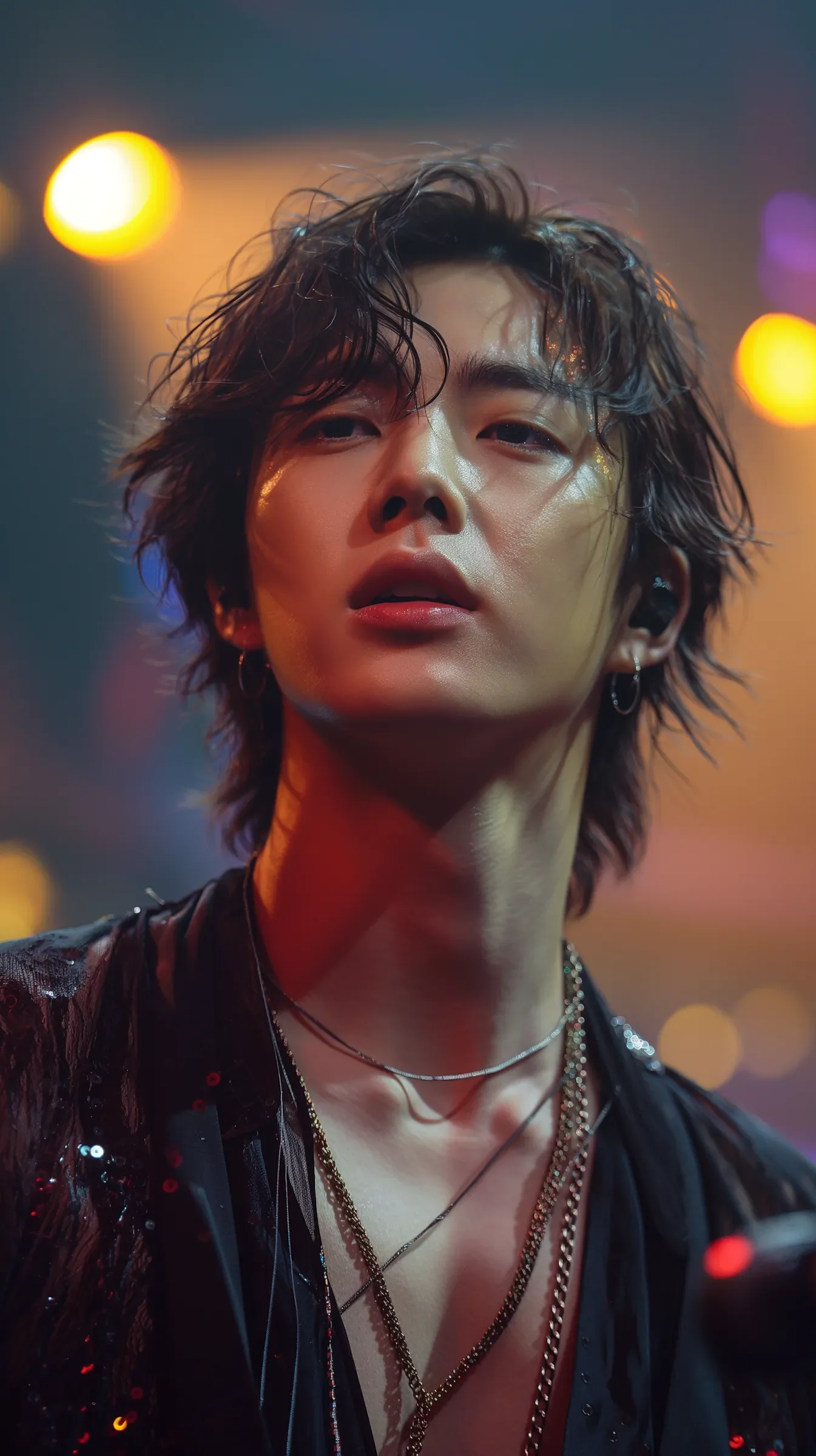

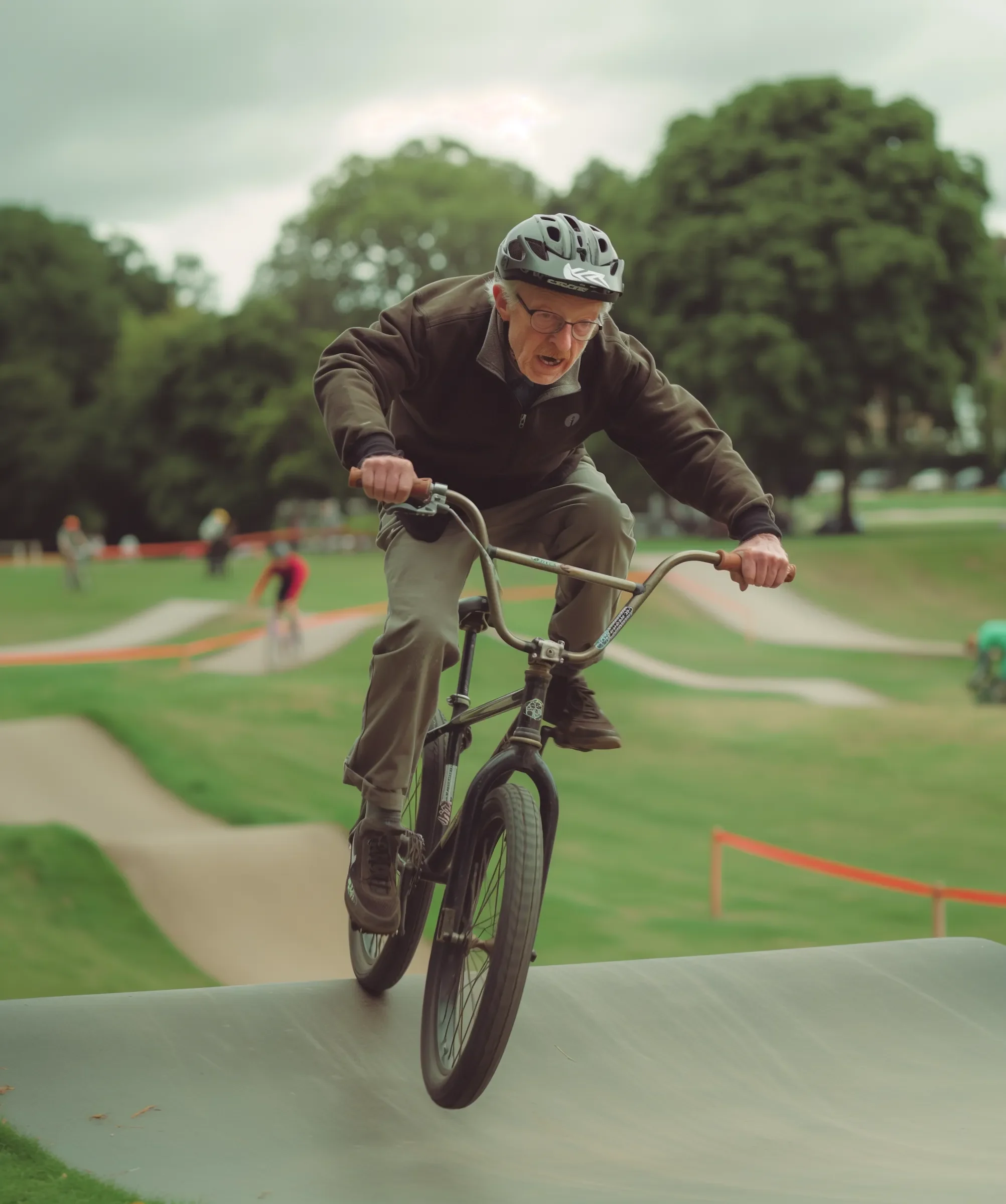
ZenCreator AI supports different creative goals across content, marketing, ecommerce, education, and design workflows.
Create thumbnails, short videos, avatars, concept visuals, social posts, and new content ideas faster.
Start Creator WorkflowGenerate product visuals, lifestyle scenes, product ad graphics, and social assets for online stores.
Create Ecommerce VisualsCreate marketing visuals, promotions, local business graphics, product content, and social media posts without needing a full design team.
Create Business ContentBuild campaign assets, visual concepts, video ideas, product creatives, and social media variations for testing.
Build Marketing AssetsProduce client-ready drafts, creative variations, campaign concepts, and visual content ideas faster.
Create Client AssetsCreate illustrations, learning visuals, explainer graphics, and simple video assets for training content.
Create Education VisualsUse AI-generated concepts, reference images, moodboard visuals, and variations to speed up early creative exploration.
Explore Design WorkflowsBlank prompts can slow users down. Templates help you start with a clear direction, adjust the idea, and generate content faster for social posts, product visuals, video clips, avatars, thumbnails, and brand assets.


Before users upload content, buy credits, or publish generated visuals, they need clear rules, clear pricing, and clear support. ZenCreator AI should make these details easy to find.
Create with more confidence by reviewing usage guidance before publishing generated content for business, marketing, or client work.
Read Commercial Use GuideUsers should understand how prompts, uploads, and generated outputs are handled before they create.
View Privacy PolicyDifferent tools and quality levels may use different credits. Show estimates before generation so users understand cost before they create.
See PricingSupport creative workflows while respecting consent, ownership, real-person rights, and platform rules.
Read Responsible AI StandardsGive users fast access to documentation, billing help, usage guidance, and contact options.
Visit Help CenterWhen your workflow depends on many separate tools, creation becomes slower. ZenCreator AI is designed to bring image, video, editing, templates, prompts, and learning into one connected experience.
Explore the Full Studio| Need | Separate AI Tools | ZenCreator AI |
|---|---|---|
| AI image creation | Use one image platform | Create inside the same studio |
| AI video creation | Use another video tool | Generate videos in the same workflow |
| Image-to-video | Often requires a separate app | Animate images in the creative flow |
| Templates | Scattered across platforms | Organized by creative goal |
| Prompt help | Manual research needed | Prompt examples and guides included |
| Editing and upscaling | Extra tools required | Refinement tools available in the workflow |
| Learning | Search outside tutorials | AI University supports users inside the ecosystem |
| Pricing clarity | Different plans across tools | One credit system across supported tools |
Use this video placement for a 10–15 second silent dashboard loop or an image-to-video sample. Keep the video lightweight, muted, and optional so Core Web Vitals stay strong.
ZenCreator AI should help users create better results, not only give them a generator box. The learning hub can support beginners, creators, marketers, and businesses with practical guides.
Learn how to turn simple ideas into image prompts, post visuals, and platform-ready content.
Read guideLearn how image-to-video AI works and how to prepare better input images for motion.
Read guideLearn how ecommerce sellers can create product visuals, lifestyle scenes, and ad images.
Read guideLearn how to write clearer prompts for style, setting, lighting, mood, composition, and format.
Read guideFind content ideas for short-form videos, creator clips, product promotions, and social campaigns.
Read guideLearn how to prepare input photos, choose styles, and create professional profile visuals.
Read guideCredits should feel flexible, clear, and useful across image, video, editing, upscaling, avatar, and template workflows. Keep full package details on the pricing page.
Testing tools and small creative projects
Start SmallRegular image and video creation
Choose CreatorProduct visuals, marketing content, and social campaigns
Choose BusinessAgencies, high-volume creators, and production workflows
Choose ProShow real use cases, not only generic AI output. Use sample projects, workflow examples, and before/after previews to help users understand what they can create.
Use real examples or clearly labeled sample outputs. Do not use fake testimonials, fake client names, or misleading before/after results.
See Example Workflows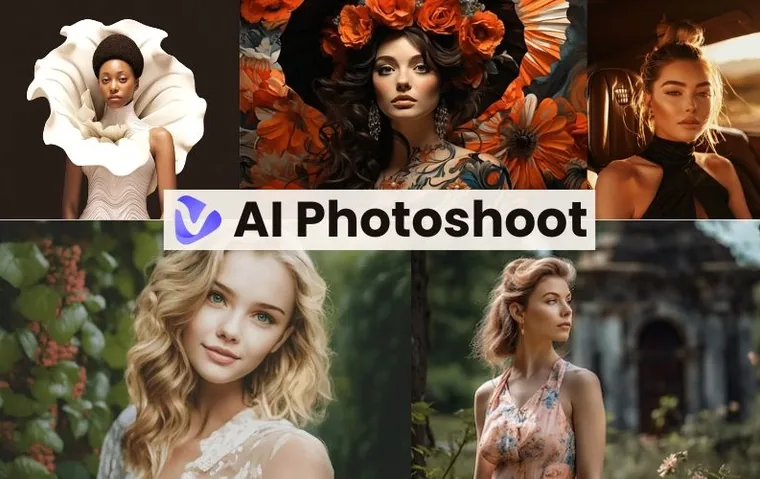
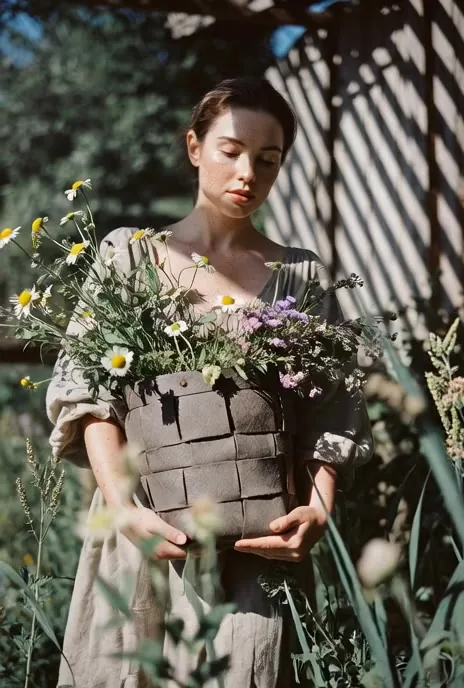
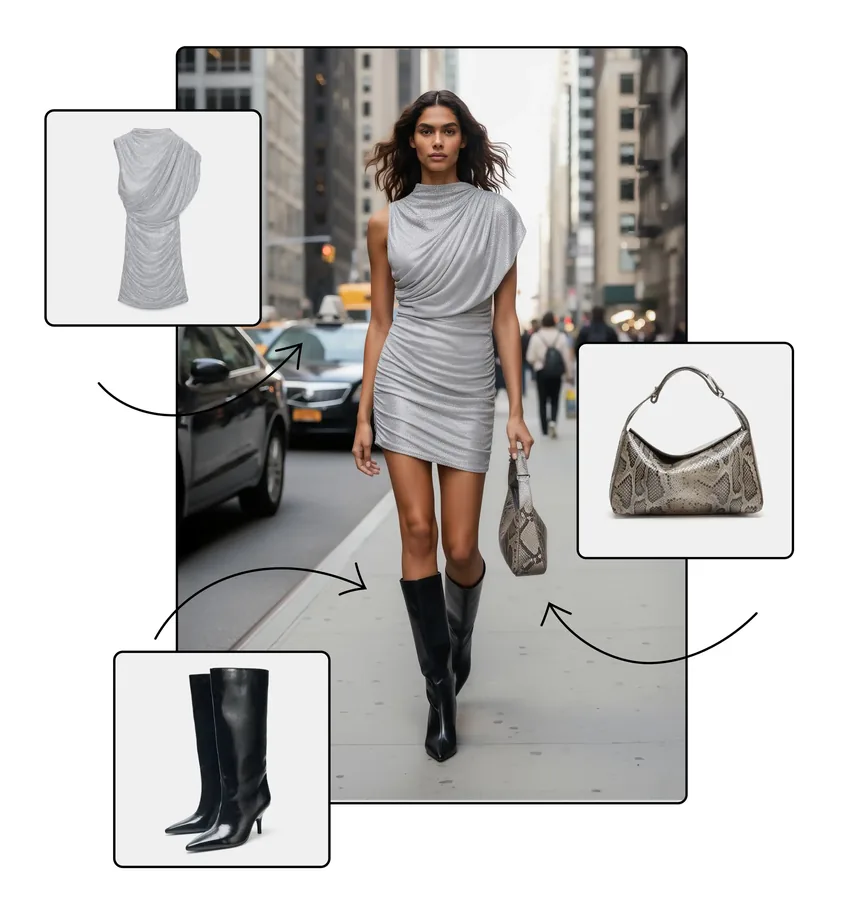
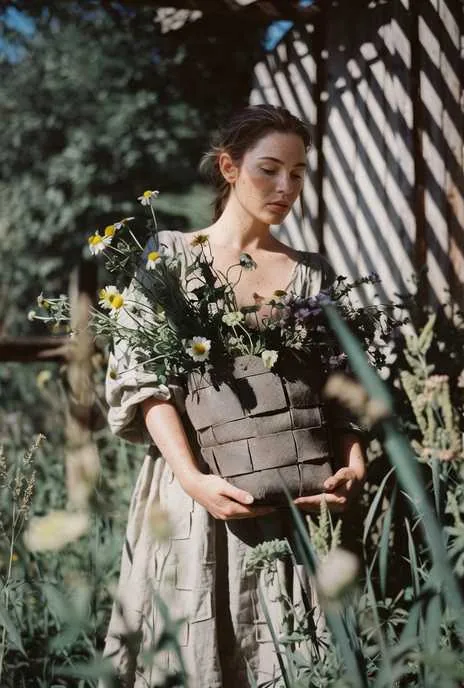
ZenCreator AI should make creative generation easier while respecting privacy, consent, ownership, and content safety. Users should only upload materials they own, have permission to use, or are legally allowed to process.
Use images, voices, likenesses, and references only when you have the right to use them.
Understand how generated content can be used before publishing it for commercial, client, or public-facing work.
Review how uploaded content, prompts, and outputs are handled before using any creative platform.
Keep content creation respectful, lawful, and aligned with platform policies.
Answers visitors may need before trying an AI content creation platform for images, videos, product visuals, avatars, and social content.
Create AI images, videos, avatars, product visuals, and social media content from one clean AI creative studio. Start with a tool, template, or prompt and turn your idea into a finished visual.